
Diagnose
Scores the PC by use (office, development, design or gaming) from CPU, RAM, disks, GPU, crashes, unexpected shutdowns, startup, network, security and updates.
WINDOWS TOOLKIT FOR IT TECHNICIANS
One portable toolkit to diagnose, optimize, back up, clone and repair Windows PCs, and a rescue USB that does the same outside Windows. Every change is simulated before it runs, journaled, and reversible.
Get early accessSee the screens
Portable. No activators. No tricks.
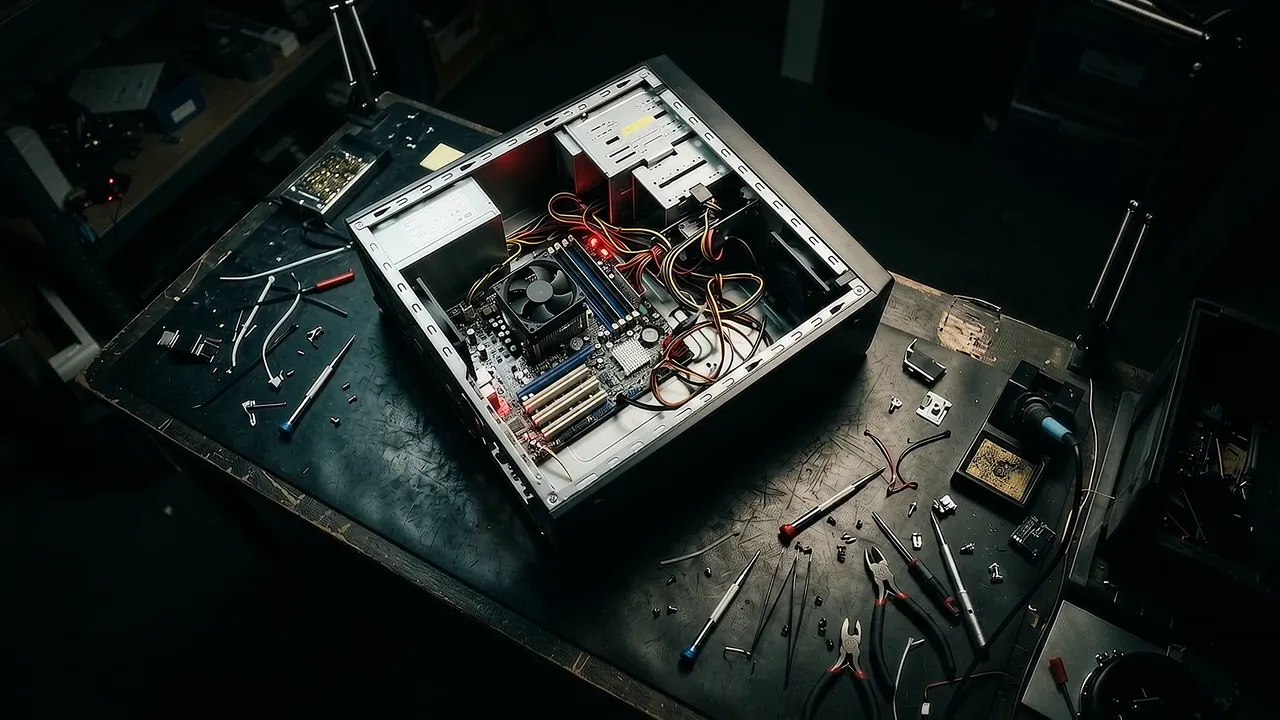
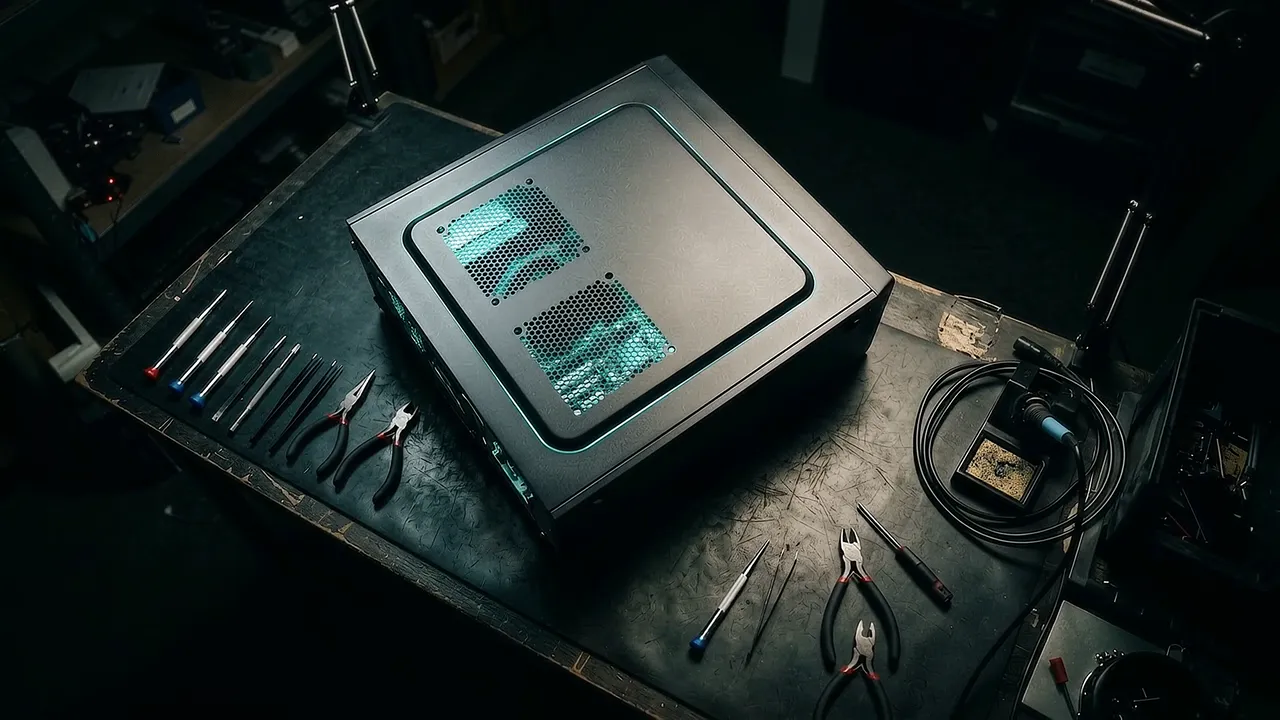
BEFORE AND AFTER
HOW IT WORKS
Scores the PC by use (office, development, design or gaming) from CPU, RAM, disks, GPU, crashes, unexpected shutdowns, startup, network, security and updates.
Shows the exact change before anything is touched: the registry key and value, the service, the app or the command. Nothing happens until you say so.
Creates a restore point and a journal first. Long tasks show progress, have a time limit and can be cancelled, so a stuck command never freezes the app.
Rolls everything back from the journal, in reverse order. What was changed can be changed back.
NEW IN 3.7
ONE USB, THE WHOLE BENCH
A backup suite, a partition editor, a Linux live USB, a rescue disk and a disk tester used to mean five programs and five boot sticks. The kit does their jobs from one place, inside Windows and from its rescue USB.
Versioned, encrypted backups and full disk images, restorable from the rescue USB.
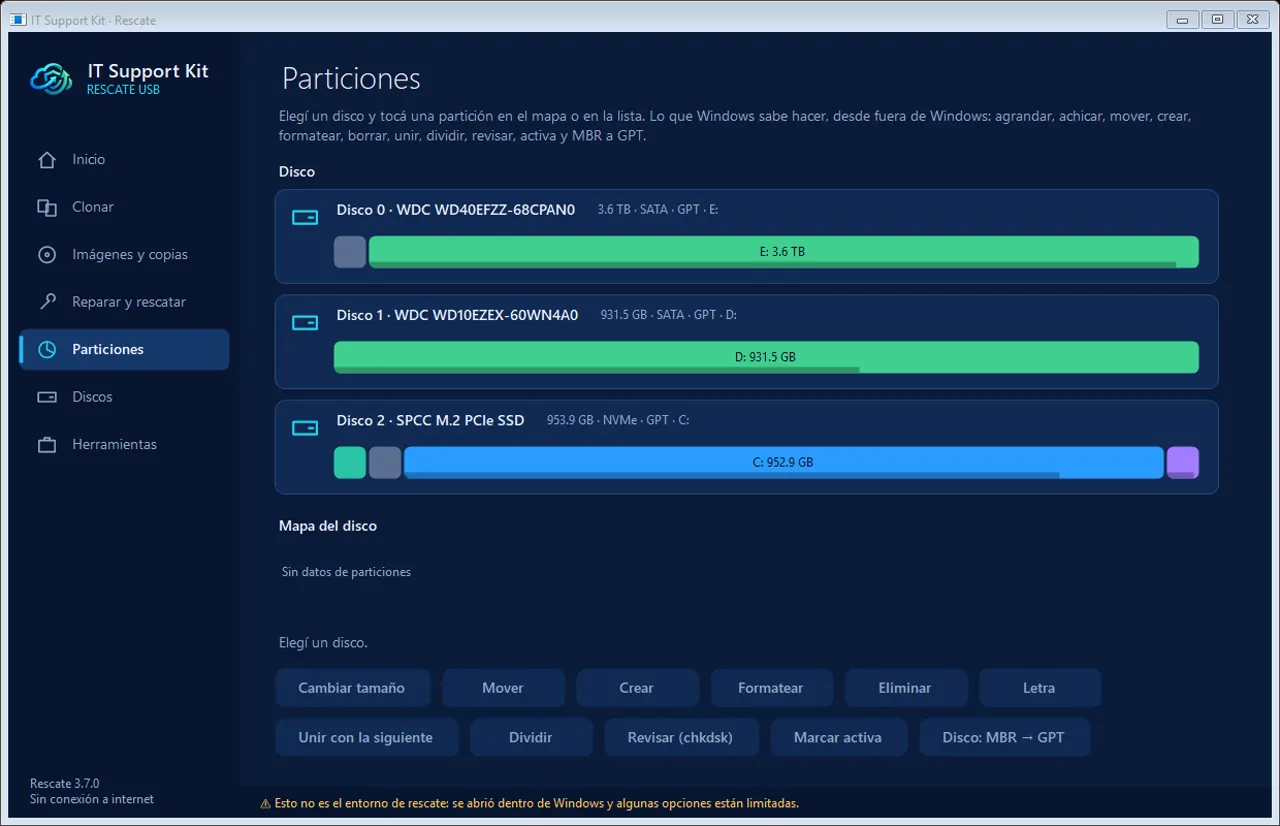
Resize, move, merge, split and convert MBR to GPT without erasing, on a clickable disk map.
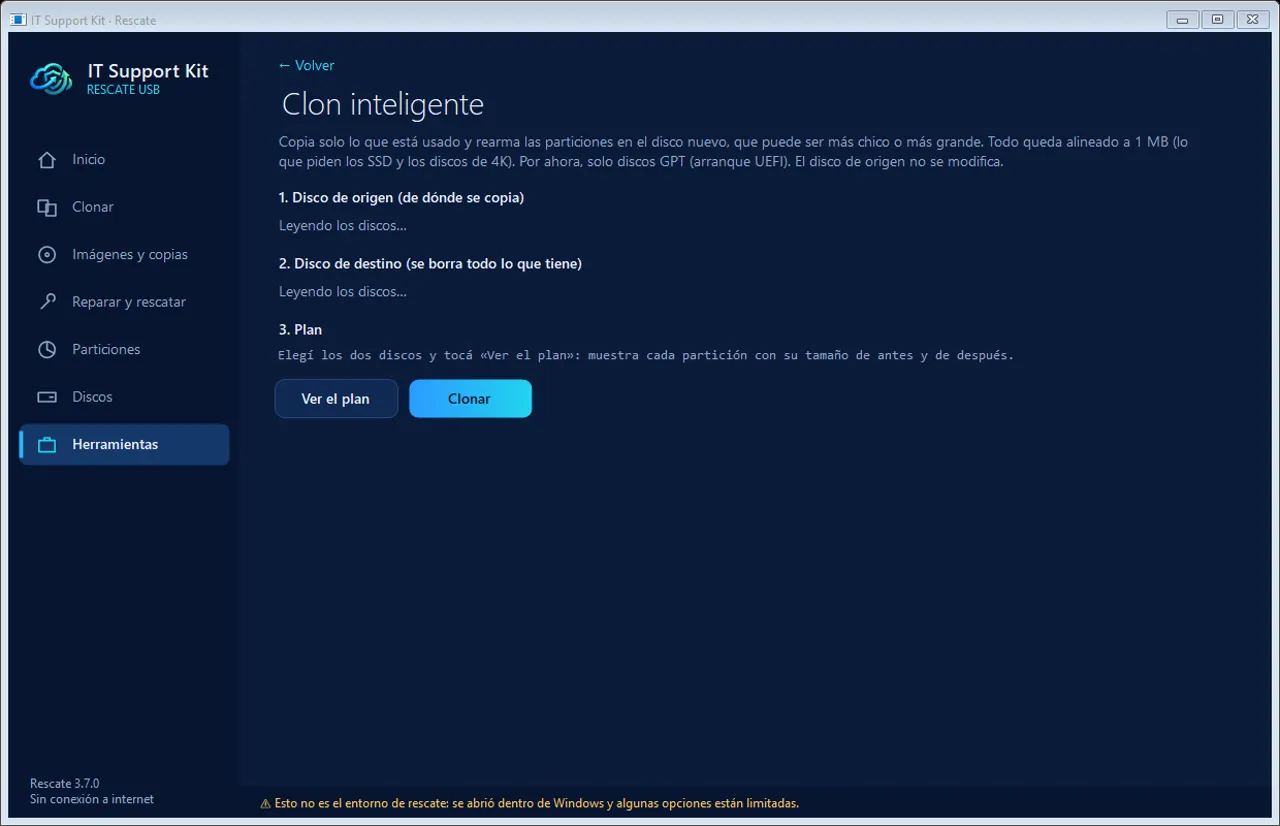
Smart clone to a smaller or bigger disk, or sector by sector skipping damaged sectors.
Find deleted partitions and bring them back without formatting, and copy user files from a Windows that does not start.
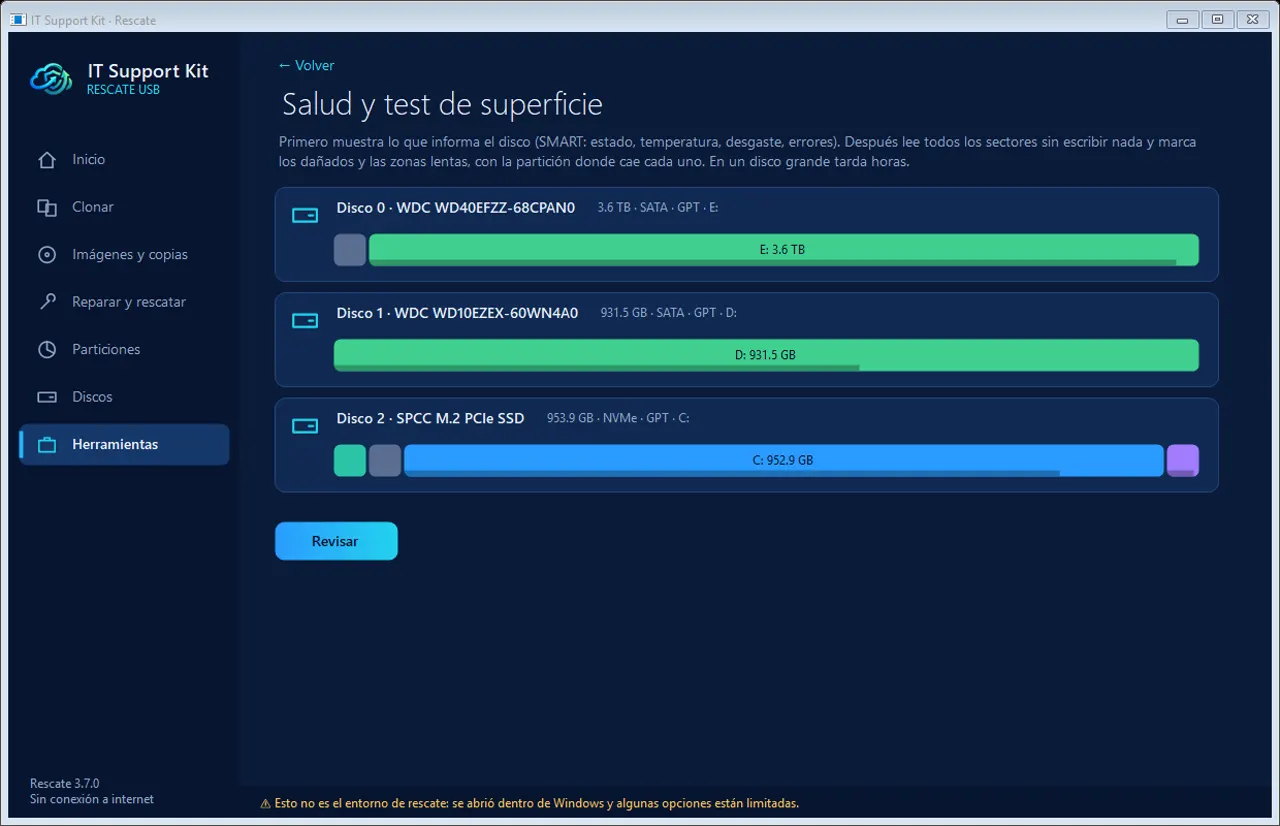
SMART health, a surface test of every sector and a read speed test, all without writing anything.
WHAT IS INSIDE
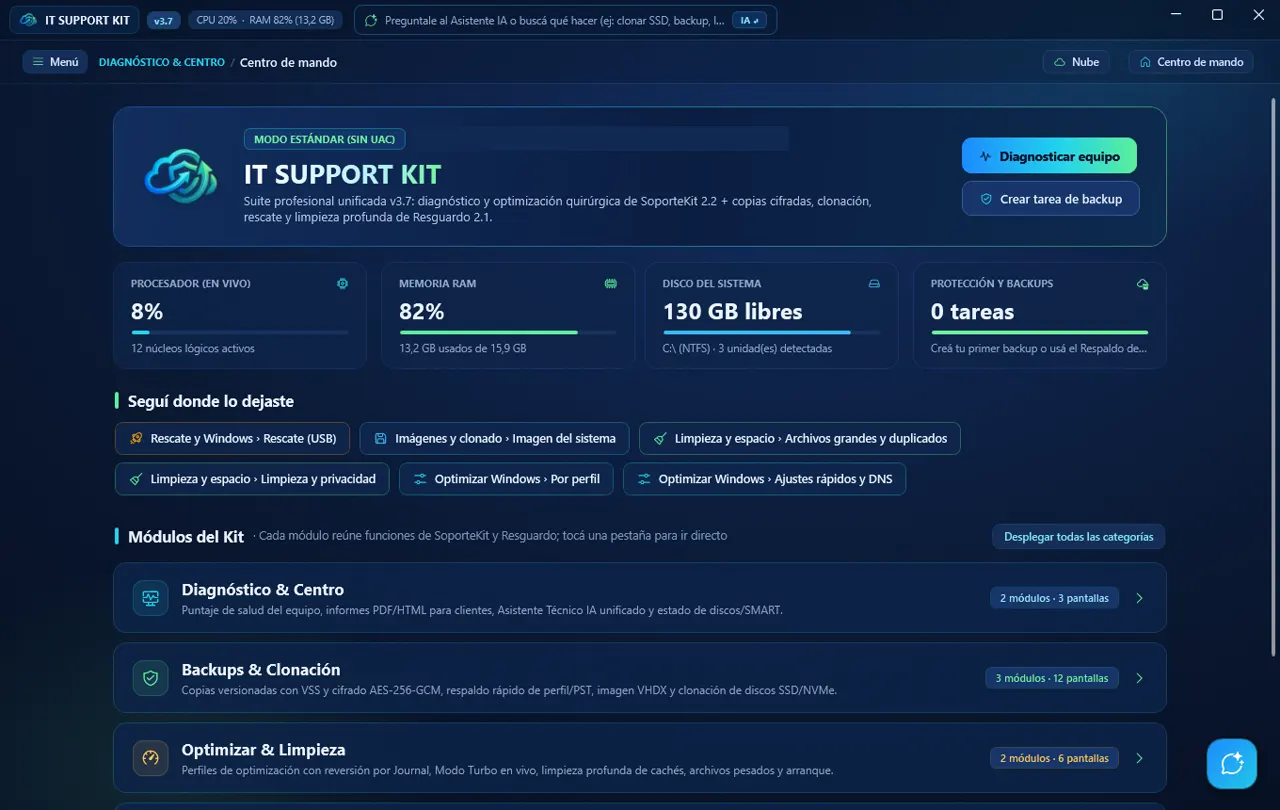
Health scores for CPU, RAM, disks (SMART) and GPU, plus crashes, startup, network, security and updates. Exports a technical report and a client-ready one.
Profiles for workstation, light notebook, corporate and competitive gaming. It warns when a setting does not fit the machine and reverts it to the Windows default in one click.
Install, update and remove apps with winget. Deep uninstall quarantines leftovers. Installs are verified, not just reported.
Scheduled, versioned backups with open files (VSS) and AES-256 encryption, to a disk, the network, the cloud or your own server. A verified hand-over copy (SHA-256) and Outlook mail.
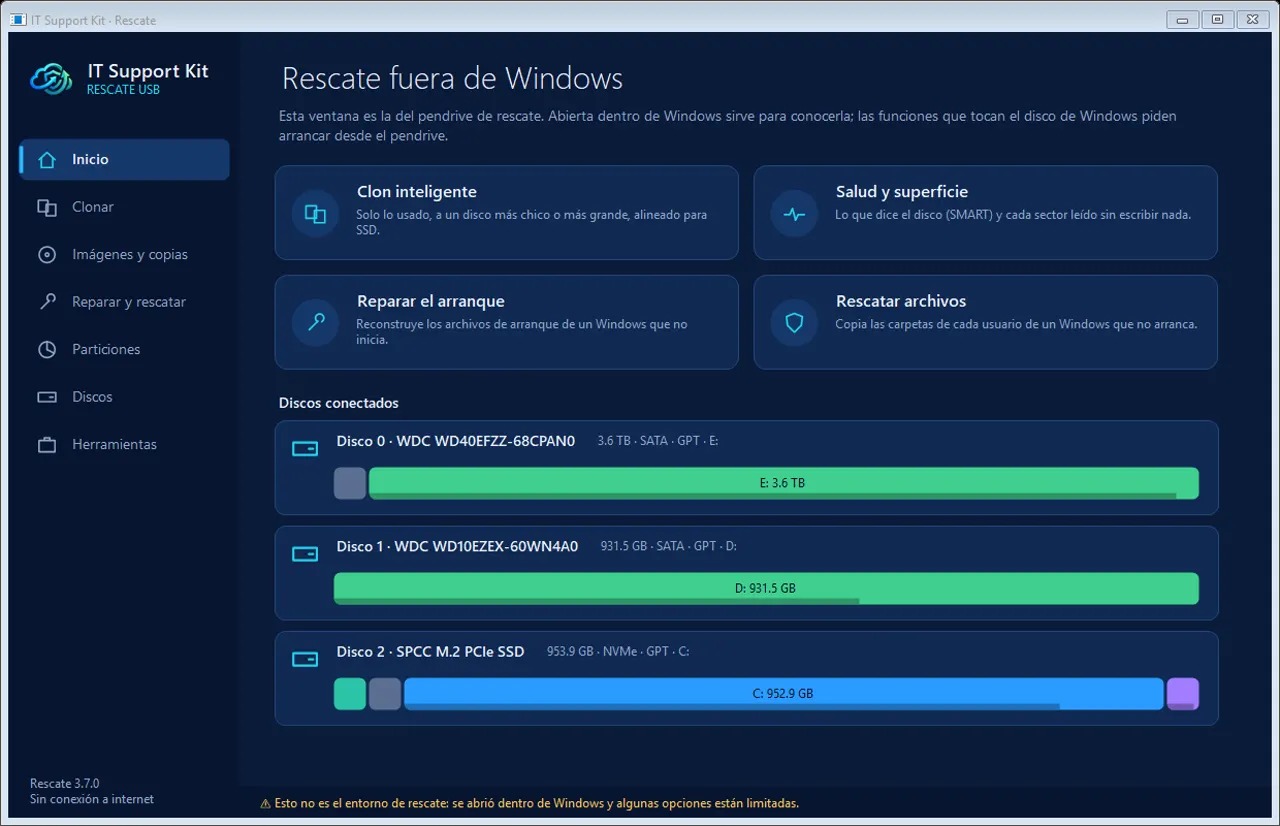
System images, sector-by-sector clones that skip damaged sectors, and a smart clone that copies only what is used, to a smaller or bigger disk, aligned for SSDs.
Boots any PC outside Windows, with its own window: clone, restore, repair the boot, rescue files, find deleted partitions, check every sector and SMART, and a partition manager with a clickable disk map.
Resize, move, create, format, merge, split, check, set active and convert MBR to GPT without erasing, with a color map of each disk.
DISM and SFC, Windows Update, print queue, DNS and network stack, clock, WMI, icon cache and battery report.
Sysinternals downloaded on demand and kept only if the signature is valid and from Microsoft. Office through the official Deployment Tool.
Describe the problem and the kit points you to the right button, offline. Add the optional AI chat: it advises, it never executes anything.
SCREENS
Real screens of version 3.7: the command center of the app and the window of the rescue USB.
TRUST
The built-in AI needs no key and uses Groq, a third-party AI service with a free plan. Prefer your own provider? Use your own key instead.
It does not turn off Defender, UAC, the firewall or Windows Update, even if a customer asks.
It does not activate Office or Windows and it does not bypass security tools.
Everything it downloads is checked by signature or hash before it runs.
Every external command has a time limit, and every long task shows progress and can be cancelled.
Personal data stays on the PC. The AI only sees a summary without PC and user names, personal paths, serial numbers, IPs or emails, and you can see exactly what is sent.
MADE FOR
EARLY ACCESS
The kit is in active development. Leave your email and we will write when early access opens.